Trip expenses
Split trip expenses without a travel spreadsheet.
Create one trip expense link. Friends check their share, pay you outside iPaid, and tap paid when the vacation math is done.
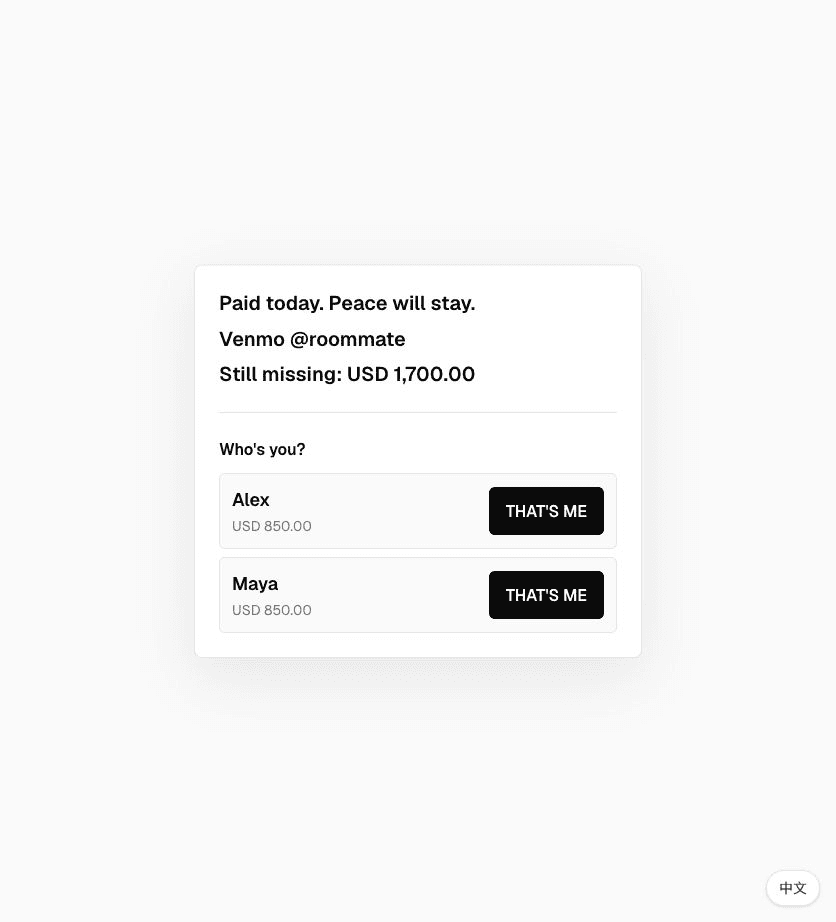
For road trips, group stays, gas money, dinner rounds, and the post-trip receipt pile nobody wants to narrate.
How it works
- 01Add each traveler and their share.
- 02Send one trip expense link.
- 03Track confirmations until the balance is clear.
Good for
- Road trip
- Gas money
- Group stay
start faster
Pick a template. Edit the damage.
iPaid. iForgot. Buddy, you're up. 👀
Trip over. Receipts settled.
iPaid creates one link for shared bills and group confirmations. Friends pick their name, confirm when they pay, and you get an email when everyone is done.
Quick answers
What is trip expense split link?+
It is a simple iPaid link for shared bills. Friends open the link, pick their own name, and confirm when they pay you back.
Does iPaid handle the payment?+
No. Payment happens outside iPaid through whatever method you already use, like Venmo, Zelle, cash, or bank transfer. iPaid only tracks confirmation.
How do I know when everyone is done?+
The owner page shows paid and pending people. If you add a notification email, iPaid sends you a final email when every person has confirmed.