Wi-Fi bill
Split the Wi-Fi bill before memory disconnects.
Create one Wi-Fi bill link for roommates. Everyone sees their line, pays outside iPaid, and taps paid when it is handled.
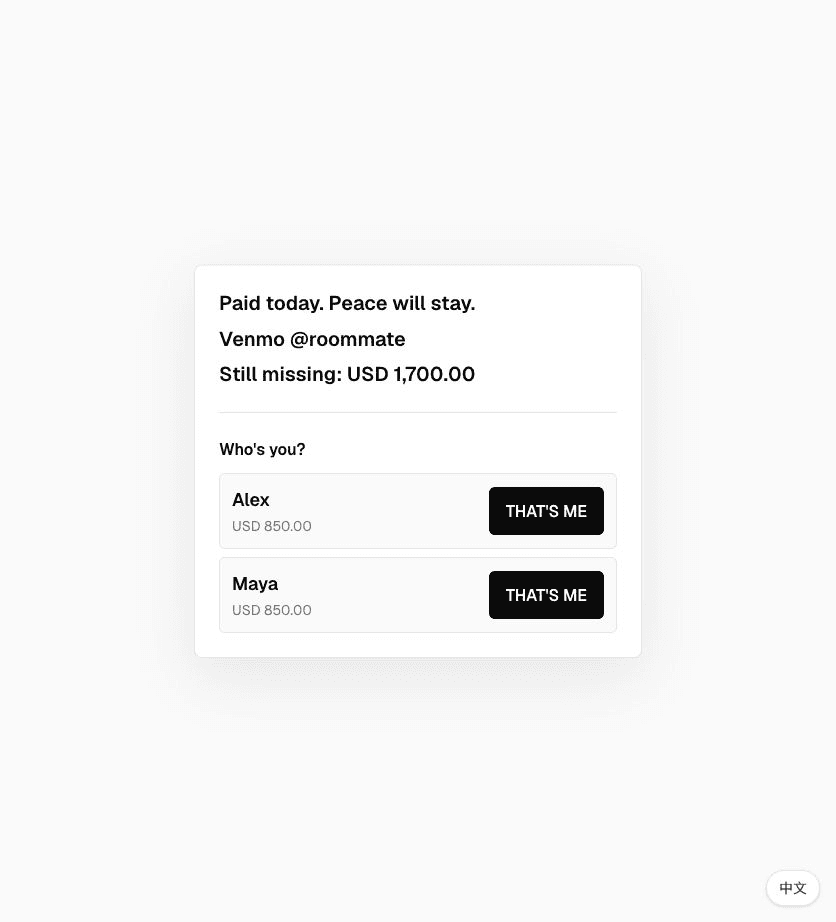
For internet, Wi-Fi, router fees, and the shared bill nobody notices until the connection gets suspicious.
How it works
- 01Add the Wi-Fi bill and each roommate's share.
- 02Send one link to the house chat.
- 03Watch the live panel until everyone confirms.
Good for
- Wi-Fi bill
- Router fee
- Internet split
start faster
Pick a template. Edit the damage.
iPaid. iForgot. Buddy, you're up. 👀
Signal strong. Receipts stronger.
iPaid creates one link for shared bills and group confirmations. Friends pick their name, confirm when they pay, and you get an email when everyone is done.
Quick answers
What is wi-fi bill split for roommates?+
It is a simple iPaid link for shared bills. Friends open the link, pick their own name, and confirm when they pay you back.
Does iPaid handle the payment?+
No. Payment happens outside iPaid through whatever method you already use, like Venmo, Zelle, cash, or bank transfer. iPaid only tracks confirmation.
How do I know when everyone is done?+
The owner page shows paid and pending people. If you add a notification email, iPaid sends you a final email when every person has confirmed.